
SEO Website Optimization search engine optimization is not a mystery. It is a structured process of making your website easy for Google to find, understand, and trust. Whether you are launching a new site or trying to grow an existing one, this guide gives you a complete, step-by-step roadmap for SEO website optimization, written in plain language with practical actions you can start today..
It involves improving content quality, enhancing website speed, creating a user-friendly structure, and ensuring that search engines can easily understand and index your website. As competition on the internet continues to grow, businesses and content creators must focus on SEO website optimization to stay ahead and achieve long-term success.
What Is SEO Website Optimization
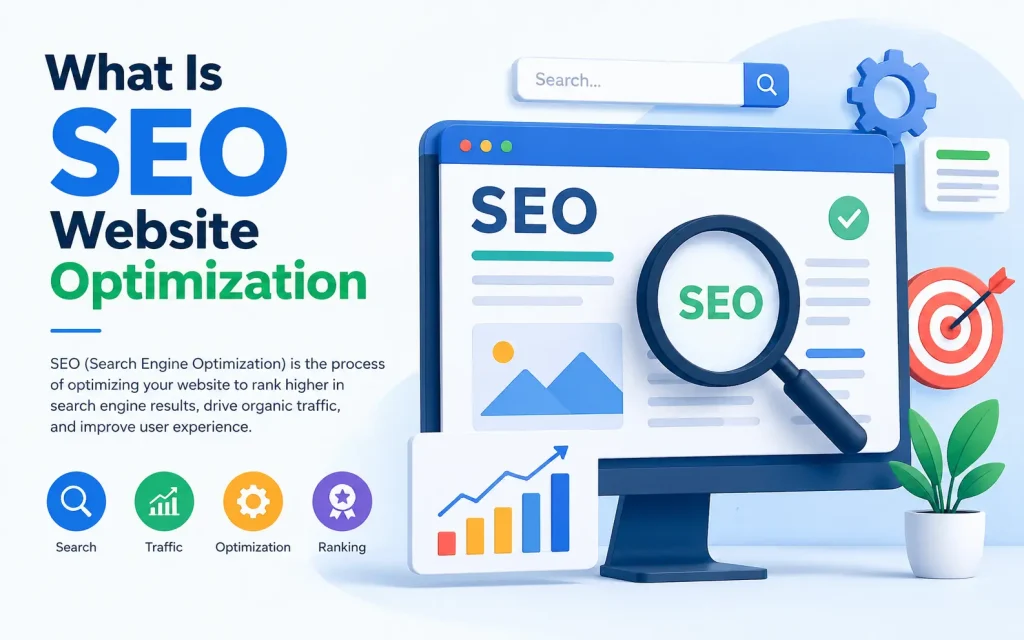
SEO website optimization is the practice of improving your website so that it ranks higher in search engine results pages (SERPs). When someone types a query into Google, the search engine scans billions of pages and ranks them based on relevance, authority, and user experience.
Optimizing your website for SEO means working on three interconnected pillars:
- On-Page SEO: The content and HTML elements on each page.
- Technical SEO: The behind-the-scenes structure that helps search engines crawl and index your site.
- Off-Page SEO: External signals like backlinks and brand mentions that build your site’s authority.
All three pillars must work together. A site with great content but poor technical structure will not rank. A technically perfect site with thin content will not rank either.
How Google Finds, Crawls, and Ranks Your Website
Before you optimize anything, you need to understand how Google actually works. There are three stages:
1. Crawling
Google uses automated programs called crawlers to visit web pages. They follow links from one page to the next, discovering new content across the internet. If your page is not linked to from anywhere, Google may never find it.
2. Indexing
Once a page is crawled, Google analyzes its content, images, and structure, then stores it in its index, a massive database of web pages. A page must be indexed before it can appear in search results.
3. Ranking
When someone searches, Google pulls relevant pages from its index and ranks them using over 200 signals. These include content quality, page speed, mobile-friendliness, backlinks, user engagement, and Core Web Vitals.
| Stage | What Happens | What You Control |
|---|---|---|
| Crawling | Googlebot visits your pages via links | Internal links, sitemap, robots.txt |
| Indexing | Google reads and stores your content | Meta tags, structured data, canonical tags |
| Ranking | Google orders results for a search query | Content quality, backlinks, page experience |
On-Page SEO Optimization: What to Do on Every Page
1. Keyword Research: The Foundation of Every Page
Keyword research tells you what your audience is actually searching for. Targeting the wrong keywords means writing content nobody will ever find.
How to do it:
- Start with your main topic and use tools like Google Search Console, Ahrefs, or Semrush to find related terms.
- Look for a mix of head terms (high volume, high competition) and long-tail keywords (lower volume, lower competition, higher conversion).
- Check search intent: is the user looking for information, a product, or a service? Your content must match that intent.
- Use LSI (Latent Semantic Indexing) keywords, which are terms semantically related to your primary keyword. This helps Google understand context.
2. Title Tags
The title tag is the most important on-page SEO element. It tells Google and users what the page is about and appears as the clickable headline in search results.
- Keep it under 60 characters to avoid being cut off in SERPs.
- Place your primary keyword near the beginning.
- Write it for humans first. A compelling title improves your click-through rate (CTR), which is a ranking signal.
- Make every title tag unique across your site.
3. Meta Descriptions
The meta description does not directly affect rankings, but it influences CTR. A well-written meta description tells users why they should click your result.
- Keep it under 155 characters.
- Include your primary keyword naturally.
- End with a clear call to action such as “Learn how,” “Start here,” or “Get the guide.”
4. Heading Structure (H1, H2, H3)
Headings create a logical hierarchy for both users and search engines. They help Google understand what each section covers.
- Use one H1 per page. It should contain your primary keyword and clearly describe the page topic.
- Use H2 tags for main sections and H3 tags for sub-sections within those.
- Write headings that answer specific questions your audience is asking.
5. Content Quality and Depth
Google’s Helpful Content System rewards pages that are genuinely useful to real people. This goes beyond word count.
High-quality content:
- Answers the user’s question thoroughly and accurately.
- Is written by someone with real expertise or experience on the topic (Google’s E-E-A-T principle: Experience, Expertise, Authoritativeness, Trustworthiness).
- Is updated regularly to stay accurate and relevant.
- Uses clear, simple language that your target audience can understand.
- Includes examples, data, and practical steps, not just general advice.
6. URL Structure
Clean, descriptive URLs help both users and search engines.
- Good: www.example.com/seo-website-optimization
- Bad: www.example.com/page?id=4729&cat=12
Keep URLs short, include your target keyword, use hyphens to separate words, and avoid unnecessary parameters or numbers.
7. Internal Linking
Internal links connect your pages to each other. They distribute link authority across your site and help search engines discover all your content.
- Link to related articles and pages using descriptive anchor text.
- Every important page should be reachable within three clicks from the homepage.
- Avoid orphan pages, which are pages with no internal links pointing to them.
8. Image Optimization
Images can bring traffic through Google Image Search, but they also affect page speed.
- Use descriptive file names (e.g., seo-website-optimization-checklist.jpg, not IMG001.jpg).
- Write clear, accurate alt text for every image.
- Compress images to reduce file size. Tools like TinyPNG or Squoosh work well.
- Use modern formats like WebP where possible.
Technical SEO: Building a Search-Friendly Website
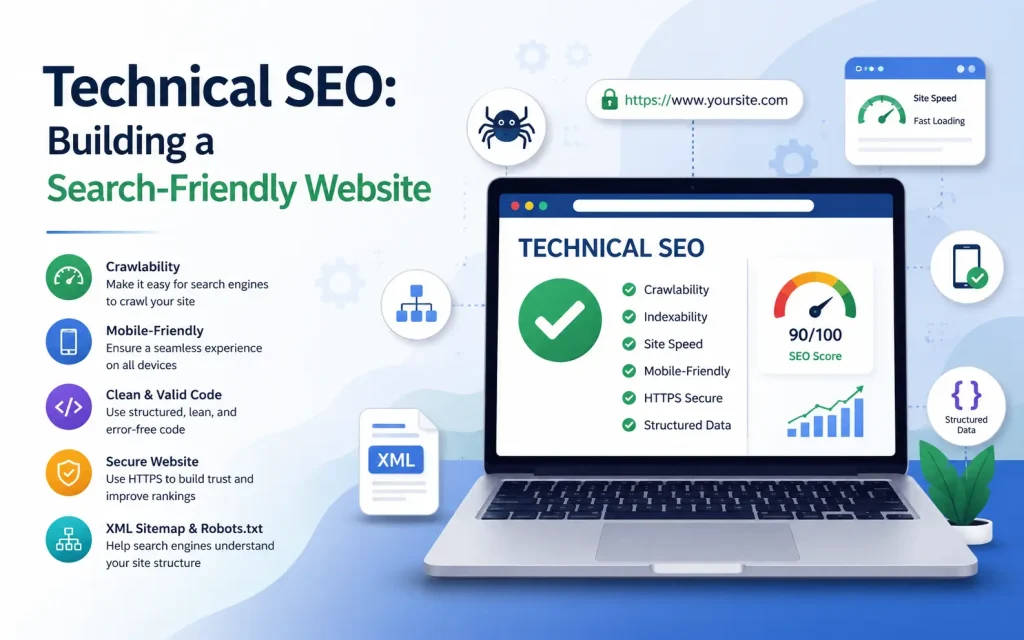
Technical SEO covers everything that affects how search engines access, crawl, and index your site. Even excellent content will underperform if your technical foundation is weak.
1. Page Speed and Core Web Vitals
| Metric | What It Measures | Good Threshold |
|---|---|---|
| LCP (Largest Contentful Paint) | How fast the main content loads | Under 2.5 seconds |
| INP (Interaction to Next Paint) | How quickly the page responds to input | Under 200 milliseconds |
| CLS (Cumulative Layout Shift) | How much the page shifts visually during load | Under 0.1 |
Use Google PageSpeed Insights or Search Console’s Core Web Vitals report to check your scores.
2. Mobile-First Optimization
Google uses mobile-first indexing, meaning it looks at the mobile version of your site when deciding rankings.
- Use a responsive design that adapts to all screen sizes.
- Ensure tap targets are large enough to tap easily.
- Test your site with Google’s Mobile-Friendly Test.
3. HTTPS and Site Security
HTTPS is a confirmed Google ranking signal. A secure site also builds user trust.
- Install an SSL certificate. Most hosting providers offer this for free.
- Ensure all pages use HTTPS, not HTTP.
- Fix mixed content warnings.
4. XML Sitemaps
An XML sitemap lists all the important URLs on your site and helps Google discover them efficiently.
- Submit your sitemap to Google via Google Search Console.
- Keep it up to date. Most CMS platforms generate sitemaps automatically.
- Only include pages you want indexed.
5. Robots.txt
The robots.txt file tells crawlers which pages they should not visit.
- Do not block CSS or JavaScript files that Google needs to render your pages.
- Use robots.txt to block only non-essential pages such as admin areas.
- Check your robots.txt regularly using Google Search Console.
6. Canonical Tags
If the same content is accessible via multiple URLs, canonical tags tell Google which version is the official one.
- Add a rel=”canonical” tag to the preferred version of each page.
- This is especially important for e-commerce sites where product filters create duplicate URLs.
7. Structured Data (Schema Markup)
Structured data helps Google understand your content and can unlock rich results in SERPs such as star ratings, FAQ dropdowns, and event listings.
- Use JSON-LD format, which Google recommends.
- Common schema types include Article, FAQ, Product, LocalBusiness, and HowTo.
- Test your structured data with Google’s Rich Results Test.
8. Fixing Crawl Errors
- Check the Coverage report in Google Search Console regularly.
- Fix or redirect broken URLs (404 errors) to relevant live pages.
- Avoid redirect chains. Use direct 301 redirects.
Off-Page SEO: Building Authority Outside Your Website
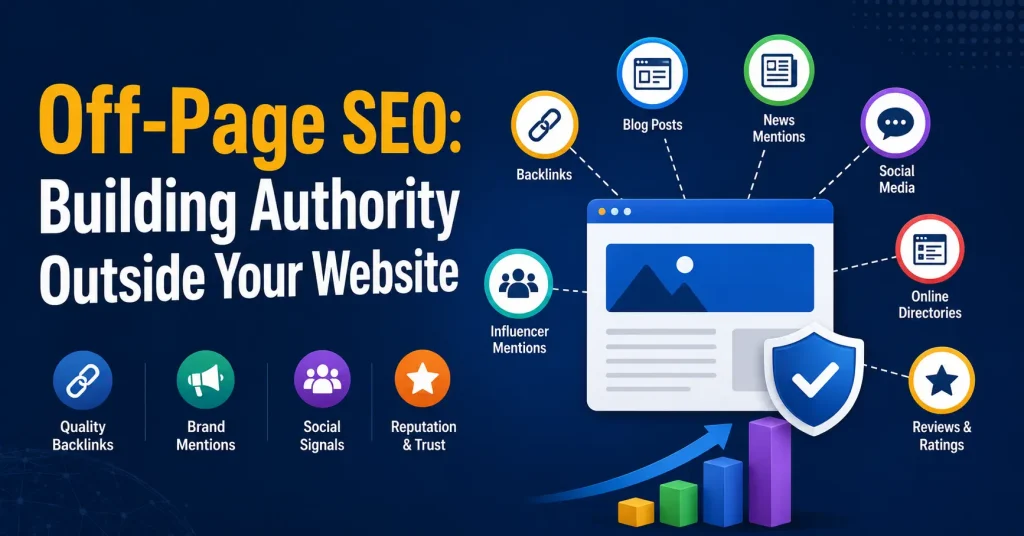
1. Backlink Building
A backlink is a link from another website to yours. Links from authoritative, relevant sites carry significantly more weight than links from low-quality directories.
Effective strategies:
- Create link-worthy content such as original research, data studies, and free tools.
- Guest post on reputable websites in your industry.
- Broken link building: find broken links on other sites and offer your content as a replacement.
- Respond to journalist queries on HARO to earn mentions in high-authority publications.
- Run digital PR campaigns that generate coverage and links from news sites.
2. Brand Signals and Mentions
Unlinked brand mentions are also a trust signal for Google. Build brand awareness through:
- Consistent publishing on social media.
- Podcast appearances and interviews.
- Community participation in forums, Reddit, and niche communities.
3. Google Business Profile (for Local SEO)
If you run a local business, an optimized Google Business Profile helps you appear in local map pack results.
- Fill out every field completely, including hours, phone number, website, and categories.
- Add photos regularly.
- Actively collect and respond to customer reviews.
- Post updates, offers, and events regularly.
Essential SEO Website Optimization Tools
| Tool | Purpose | Cost |
|---|---|---|
| Google Search Console | Monitor indexing, crawl errors, keyword performance | Free |
| Google Analytics 4 | Track traffic, user behavior, conversions | Free |
| PageSpeed Insights | Test Core Web Vitals and page speed | Free |
| Ahrefs / Semrush | Keyword research, backlink analysis, site audits | Paid |
| Screaming Frog | Technical SEO site crawl | Free up to 500 URLs |
| Google Rich Results Test | Test structured data implementation | Free |
| Yoast SEO / Rank Math | On-page SEO for WordPress sites | Free / Paid |
How to Conduct an SEO Website Audit
An SEO audit is a health check of your website. Run one at least every six months, or after any major site changes.
Step 1: Check Your Indexing Status
In Google Search Console, go to the Coverage report. Resolve all critical errors first.
Step 2: Analyze Page Speed
Run your key pages through PageSpeed Insights. Prioritize fixes with the most impact on Core Web Vitals scores.
Step 3: Review Your On-Page Elements
Use Screaming Frog to crawl your site and check for missing or duplicate title tags, pages with no H1, and URLs that are too long.
Step 4: Evaluate Content Quality
Go through your top pages manually. Ask: Does this page fully answer the user’s question? Is the information accurate and current? If a page is thin, either improve it or consider removing it.
Step 5: Check Your Backlink Profile
In Ahrefs or Google Search Console, look for spammy or irrelevant links and identify your strongest linking pages.
Step 6: Test for Mobile Usability
In Google Search Console, check the Mobile Usability report and fix any errors immediately.
Common SEO Mistakes to Avoid
| Mistake | Why It Hurts | What to Do Instead |
|---|---|---|
| Keyword stuffing | Google penalizes unnatural repetition | Use keywords naturally in context |
| Buying low-quality backlinks | Can trigger a manual penalty | Earn links through quality content and outreach |
| Ignoring mobile users | Google uses mobile-first indexing | Design for mobile first, then desktop |
| Duplicate content | Dilutes ranking signals | Use canonical tags or consolidate pages |
| Neglecting page speed | High bounce rates, poor Core Web Vitals | Compress images, enable caching, use a CDN |
| No internal linking | Pages go undiscovered | Build a logical internal link structure |
| Targeting keywords with wrong intent | High bounce rate, low conversions | Match content format to user search intent |
Staying Up to Date with Google Algorithm Updates
Google updates its algorithm thousands of times each year.
The best long-term strategy is to focus on what Google has consistently rewarded:
- Genuinely helpful, accurate, and well-written content.
- A fast, secure, mobile-friendly website.
- Backlinks earned through real value and relationships.
- A positive user experience with clear navigation and readable design.
Follow the Google Search Central Blog and monitor your site’s performance after major updates using Search Console.
How to Measure SEO Success
SEO results take time. Most meaningful improvements take three to six months to show fully in rankings.
Track these metrics consistently:
| Metric | Where to Track It | Why It Matters |
|---|---|---|
| Organic traffic | Google Analytics 4 | Shows total visitors from search |
| Keyword rankings | Google Search Console / Ahrefs | Shows where your pages appear for target terms |
| Click-through rate | Google Search Console | Measures how compelling your title and description are |
| Core Web Vitals scores | Search Console / PageSpeed Insights | Reflects page experience performance |
| Backlink growth | Ahrefs / Google Search Console | Tracks authority-building progress |
| Conversion rate from organic | Google Analytics 4 | Shows whether SEO traffic delivers business results |
FAQs
What is SEO website optimization?
SEO website optimization is the process of improving a website’s content, structure, speed, and technical elements to rank higher in search engines and attract more organic traffic.
Why is SEO website optimization important?
It helps websites gain better visibility in search results, drive targeted visitors, improve user experience, and increase conversions.
How long does SEO website optimization take to show results?
SEO results typically take several weeks to several months, depending on competition, website quality, and the strategies used.
What are the key elements of SEO website optimization?
Important elements include keyword research, on-page SEO, technical SEO, content optimization, mobile responsiveness, page speed, and backlink building.
Can I do SEO website optimization myself?
Yes. Basic SEO tasks such as optimizing content, improving page speed, and using proper headings can be done yourself, while advanced technical SEO may require professional help.
Conclusion
SEO website optimization is not about tricking search engines. It is about building a website that truly serves your audience: fast, easy to navigate, full of accurate and helpful content, and trusted by other authoritative sites.
Start with the basics, fix technical errors, write quality content for real search intent, and build your site structure logically. Then move to off-page work to grow your authority. Monitor your progress in Google Search Console and iterate based on what the data tells you.
The websites that rank at the top of Google are not there by accident. They got there because they earned it, and with the right approach, yours can too.
You May Also Like It:
Professional Off-Page SEO Services
