
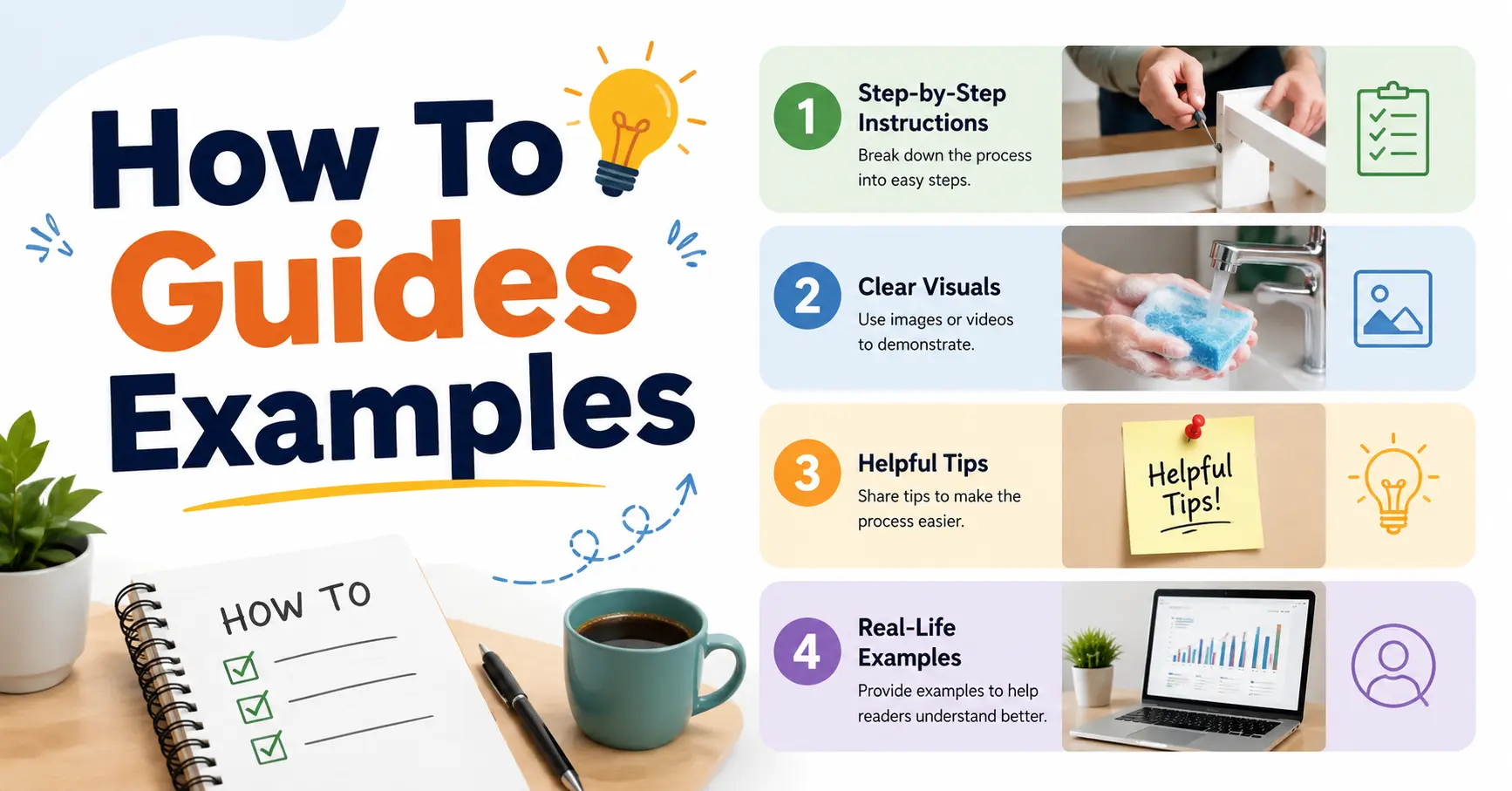
How To Guides Examples if you’ve ever searched for something online and found an article that walked you through a process step by step without any confusion, you’ve experienced a good how-to guide. These guides are everywhere — from cooking websites to software documentation, and from employee onboarding manuals to school tutorials.
But not all how-to guides are created equal. Some are clear, structured, and genuinely useful. Others are so vague, incomplete, or filled with jargon that readers abandon them halfway through.
This article explains what how-to guides are, why they matter, and what real examples look like across different industries and formats. You’ll also get a step-by-step framework for writing your own guide, along with the mistakes most writers make.
What Is a How-to Guide
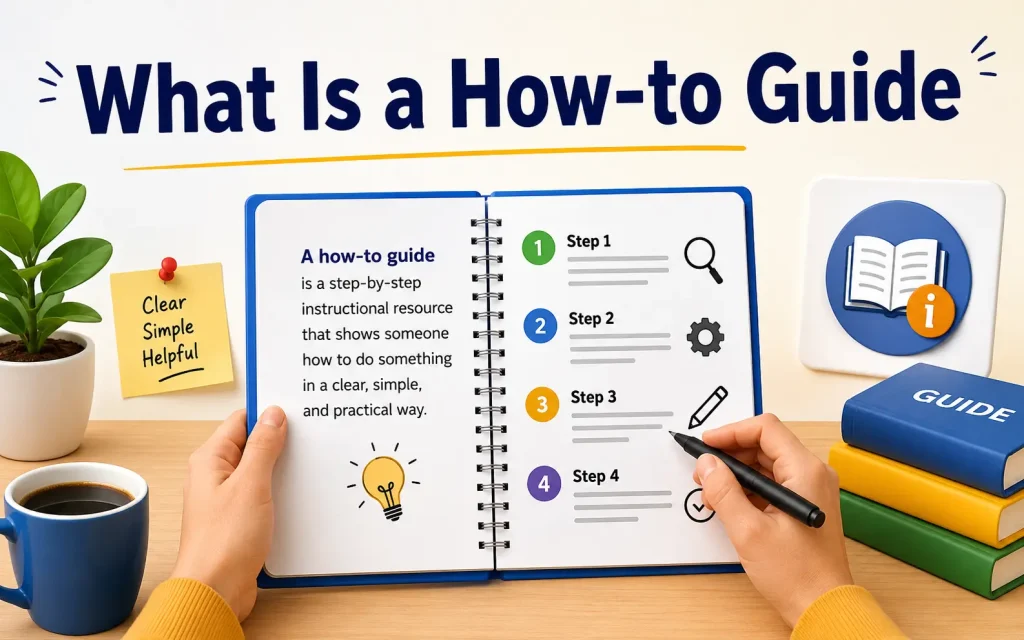
A how-to guide is a document that walks a reader through a specific process from beginning to end. It answers one core question: How do I do this?
A good how-to guide does three things. It tells the reader what to do. It shows them how to do it. And it provides enough context so the reader understands why each step matters.
How-to guides go by different names depending on the setting. You might hear them called step-by-step guides, process documents, user manuals, work instructions, or tutorials. The format stays the same. The name changes based on who is reading and what they are trying to do.
Why How-to Guides Matter
Clear instructional content saves time, reduces mistakes, and builds trust. Whether you are writing for customers, employees, or a general audience, a good guide removes uncertainty and makes people feel confident.
Here is what effective how-to guides deliver:
- They reduce recurring questions and support tickets
- They help new team members learn processes quickly
- They create a consistent experience across an entire audience
- They rank well in search engines because they directly answer specific questions
- They build credibility by demonstrating expertise in a helpful way
Different Types of How-to Guides With Real Examples
Most writers think of how-to guides as a single format. That is a mistake. There are at least seven distinct types, each serving a different goal and audience. Understanding which type you need makes everything easier before you start writing.
| Guide Type | Primary Goal | Best Use | Example |
|---|---|---|---|
| Standard Step-by-Step | Complete a task in order | Software setup, cooking, repairs | How to reset your Gmail password |
| Process Guide | Document a repeatable workflow | Business operations, HR onboarding | How to onboard a new employee in 5 days |
| Troubleshooting Guide | Diagnose and fix a problem | Tech support, customer service | How to fix Wi-Fi that keeps dropping |
| Beginner Guide | Build foundational knowledge | Learning new concepts or tools | How to start investing with under $100 |
| Quick Reference Guide | Quickly refresh knowledge | Reminder for experienced users | Excel keyboard shortcuts guide |
| Visual Guide | Explain through images | Complex multi-stage processes | How to set up a home router step by step |
| Video Tutorial | Show instead of tell | Hands-on physical tasks or software demos | How to change a car tire safely |
1. Standard Step-by-Step Guide
This is the most common format. It takes a reader through one task, one action at a time. Each step is numbered. Each step contains a single specific action. The reader always knows where they are in the process.
Example: How to create a Gmail account
- Go to Gmail.com and click Create account
- Enter your first and last name, then click Next
- Choose an available username
- Set and confirm a strong password
- Add a recovery phone number or email
- Accept the terms of service
Simple, direct, and complete.
2. Process Guide
A process guide documents a repeatable workflow inside an organization. It goes beyond a single task — it is about how an ongoing activity should be handled every time.
Example: A customer service team might have a process guide for handling refund requests. It covers who receives the request, how the ticket is logged, which criteria qualify for a refund, who approves it, and how the customer is notified. Every team member follows the same steps every time.
3. Troubleshooting Guide
This type is built for diagnosing problems. Instead of a linear process, it uses conditional logic: if this is happening, try this. If that does not work, try something else.
Example: Laptop that won’t turn on
- Is the battery fully drained? Plug in the charger and wait 10 minutes before pressing the power button
- Is the charging light on? If not, check the power adapter and outlet
- Does the screen stay black but the fan runs? Hold the power button for 30 seconds to force restart
- Still nothing? Remove and reinsert the battery if possible
4. Beginner Guide
A beginner guide assumes zero prior knowledge. It avoids jargon, defines terms upfront, and builds understanding layer by layer. The goal is not just to complete a task but to give the reader enough context to understand what they are doing and why.
Example: A beginner guide to email marketing would not start with “click the campaign button.” It would first explain what email marketing is, why it matters, what a mailing list is, and what a good subject line looks like — then ask the reader to click anything.
5. Quick Reference Guide
Designed for speed, a quick reference guide strips away all context and delivers only the key information. It assumes the reader already knows the basics and just needs a fast reminder.
Example: A one-page guide to Adobe Photoshop keyboard shortcuts. No explanations. Just shortcuts and what they do, organized by category.
6. Visual Guide
Some processes are easier to understand when you can see them. Visual guides use diagrams, annotated screenshots, flowcharts, or infographics to walk the reader through a process.
Example: An IKEA shelf assembly guide is almost entirely visual. Steps are numbered, but the primary instruction is the image showing which part goes where.
7. Video Tutorial
Video guides are especially effective for physical tasks or software walkthroughs where the reader needs to see movement. A video of changing a tire communicates what text simply cannot.
But video tutorials are hard to skim and hard to search. Many content teams pair a video with a written guide below it so readers can choose their preferred format.
Real Examples by Industry
| Industry | Example Guide Title | Key Feature |
|---|---|---|
| Software & Technology | How to integrate Slack with Google Calendar | Screenshots at every step |
| Healthcare | How to prepare for a blood test | Plain language with safety warnings |
| Education | How to write a thesis statement | Examples of good and bad versions |
| Human Resources | How to complete your annual performance review | Forms and deadlines included |
| E-commerce | How to return an item purchased online | Policy details and tracking links |
| Home & DIY | How to fix a leaking faucet | Tool list and safety precautions upfron |
Qualities That Make a How-to Guide Actually Work
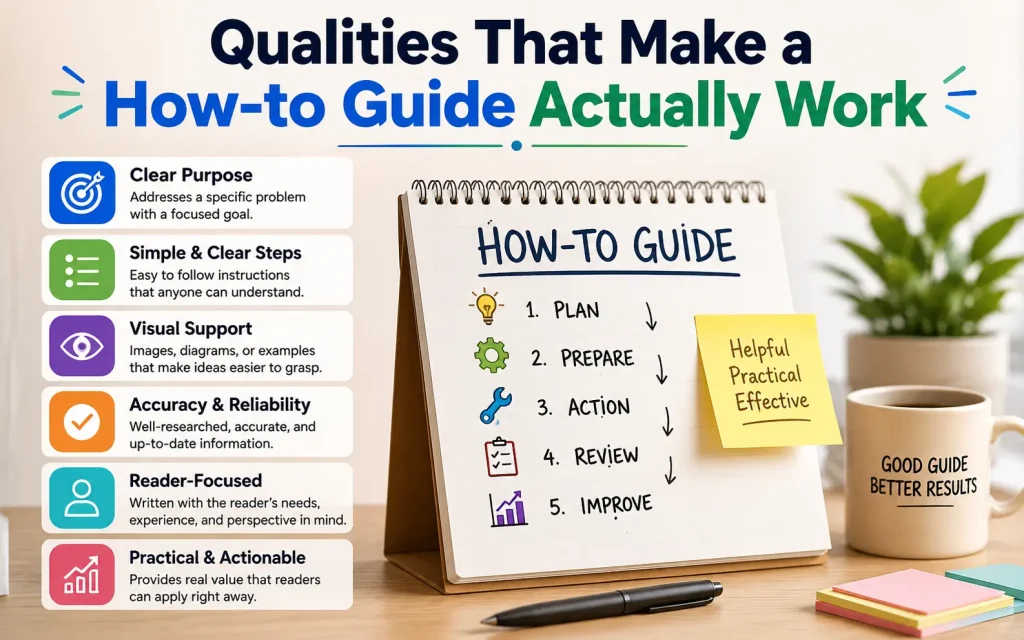
Most guides fail not because the writer did not know the subject but because they wrote for themselves instead of the reader. These are the qualities that separate guides people follow from guides people abandon halfway through.
Audience Awareness
Before writing a single word, you need to know exactly who will read this guide. A guide for beginners looks completely different from a guide for experts, even if both cover the same task.
Ask yourself:
- What does my reader already know about this topic?
- What language do they use when talking about it?
- What device or environment will they be using while following along?
- What is their biggest fear or frustration with this process?
Clear and Specific Scope
The best how-to guides cover one task completely. Not two tasks halfway. Not a broad category vaguely. If your title is “How to Use Microsoft Word,” you are already in trouble because that topic is too large. “How to create and format a table in Microsoft Word” is specific enough to be useful.
Numbered Steps With One Action Each
Each step should contain exactly one action. The moment a step contains two or more actions, break it into two or more steps. Readers who skip ahead or lose their place can always return to a specific step number.
Weak step: Configure your account settings and make sure notifications are turned on.
Better version:
- Click the gear icon in the top right corner of the screen
- Select Account Settings from the dropdown menu
- Scroll down to Notifications and toggle the switch to On
Plain Language
Write the way a knowledgeable friend would explain something. Short sentences. Active verbs. Avoid technical jargon unless your audience clearly knows it. When you must use a technical term, define it immediately.
Visuals That Remove Ambiguity
Annotated screenshots are among the most powerful tools in how-to guide writing. A screenshot that shows exactly which button to click leaves no uncertainty about what the text is describing.
Use visuals whenever:
- You are describing a location on a screen or physical object
- The result of a step needs to be visually verified
- A diagram can explain relationships faster than text
How to Write a How-to Guide, Step by Step
Step 1: Choose a Specific Topic
Choose a task with a clear beginning and a clear end. Use search data, support tickets, or direct user feedback to confirm that people are actually looking for help with this specific thing.
Step 2: Define Your Reader
Write one sentence describing who you are writing for. Something like: This guide is for first-time homeowners who have never replaced a light switch. Let that sentence guide every word you write.
Step 3: List Everything the Reader Needs Before Starting
Create a prerequisites section that includes:
- Any tools or materials required
- Any accounts or access needed
- Any prior knowledge assumed
- An estimate of how long the process will take
Step 4: Do the Process Yourself
Before writing a single step, do the task yourself. Take notes as you go. Write down every click, every decision, every moment of confusion. Do not skip steps just because they seem obvious. What is obvious to you is not obvious to your reader.
Step 5: Write the Steps
Write each step as an action starting with a verb. Click. Open. Enter. Select. Type. Each step should have a visible result. Once all steps are written, read them aloud and check whether anything is unclear or could be misinterpreted.
Step 6: Add Supporting Visuals
Review your steps and identify every place where a visual would help. Add annotated screenshots, diagrams, or photos. Every image should have an alt text description for accessibility.
Step 7: Test With a Real User
Before publishing, give the guide to someone who matches your target reader. Watch them follow it. Do not help them. Note every place they slow down, get confused, or ask a question. Those are exactly the places you need to revise.
Step 8: Review and Publish
Check for grammatical errors, broken links, and outdated information. Make sure your title accurately reflects what the guide covers. Set a reminder to review and update the guide every six months.
Common Mistakes That Weaken How-to Guides
| Mistake | Why It Hurts | How to Fix It |
|---|---|---|
| Writing for yourself instead of the reader | Creates confusion for anyone who knows less than you | Define your reader before writing |
| Multiple actions in one step | Readers lose track | Always one step, one action |
| Skipping obvious steps | What seems obvious to an expert can stop a beginner | Redo the process fresh and write every action |
| Jargon without explanation | Alienates non-specialist readers | Define technical terms immediately |
| No visuals | Abstract steps become hard to follow | Add annotated screenshots at every key decision point |
| Never updating the guide | Outdated instructions create frustrated users | Schedule a review every six months |
| Vague scope in the title | Sets wrong expectations and hurts SEO | Use a specific title that names the exact task |
SEO Benefits of How-to Guides
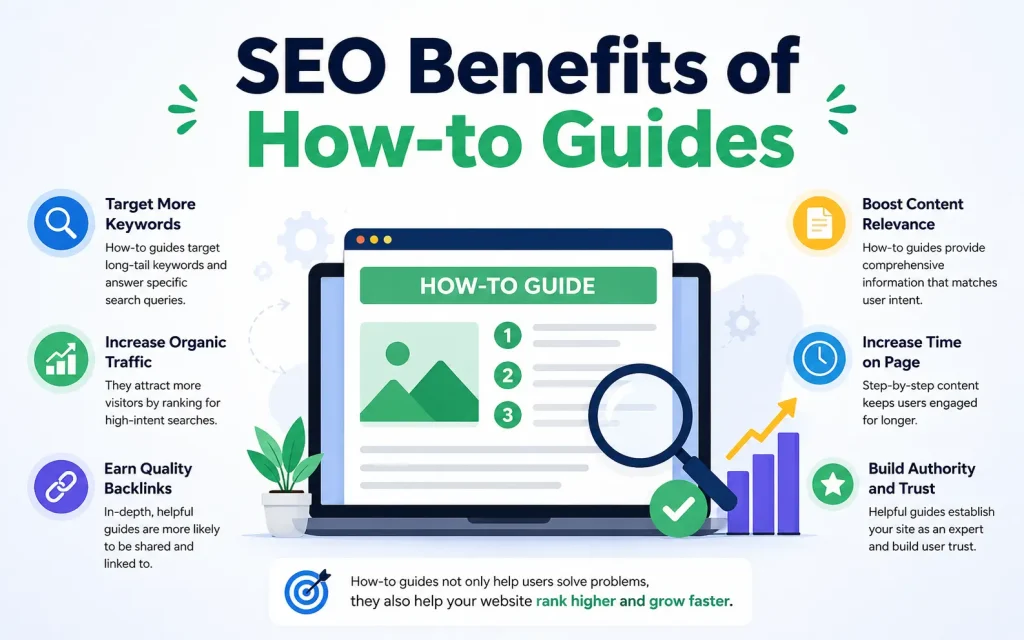
How-to guides are among the most search-friendly content formats online. When someone types “how to” into a search engine, they are looking for exactly what a well-structured guide provides.
Here is what makes how-to guides strong for SEO:
- They target specific long-tail keywords with high intent and low competition
- They often earn featured snippet placement because they are formatted as numbered lists
- They attract backlinks because other sites reference them as resources
- They keep readers on the page longer because users follow along step by step
- Bounce rates drop when content genuinely delivers what the title promised
To optimize your guide for search:
- Include your primary keyword in the title, first paragraph, and at least one subheading
- Use question-based subheadings that match how people actually search
- Add a table of contents so readers and search engines can navigate content easily
- Mark up your steps with structured data so search engines can display them in rich results
- Link to related guides and resources to keep readers within your content
Maintaining and Updating Your Guide
A how-to guide that was accurate six months ago may be misleading today. Software updates. Policies change. Products get discontinued. Processes evolve. Outdated guides create frustrated users and destroy the trust you built.
Build a maintenance routine into your process from the start:
- Add a “last updated” date to every guide so readers know how recent the information is
- Set a calendar reminder to review every guide every six months
- Track support tickets and user comments for signals that a guide needs updating
- When a process changes, update the guide immediately — not later
- Remove guides that are no longer relevant rather than letting outdated content accumulate
Quick Checklist Before Publishing
- Does the title name exactly the task the guide covers
- Have you stated upfront what the reader will accomplish and how long it will take
- Does every step begin with an action verb
- Is every step limited to one action?
- Have you defined all technical terms for your target audience
- Have you added visuals at every step where seeing is clearer than reading
- Have you tested the guide with a real person who matches your target reader
- Is the guide free of grammatical and spelling errors
- Have you included links to related guides or resources
- Have you set a date to review and update the guide
FAQs
What is a how-to guide?
A how-to guide is a piece of content that explains how to complete a specific task using clear and easy-to-follow instructions. Its purpose is to help readers solve problems or learn something new.
What are some popular how-to guides examples?
Popular examples include guides on starting a blog, creating a website, writing wedding vows, improving SEO, decorating a home, and learning new skills. These guides provide practical solutions through step-by-step instructions.
How do you write an effective how-to guide?
An effective how-to guide begins with a clear objective, explains each step in order, uses simple language, and provides helpful tips or examples. Including FAQs and a conclusion can also improve the reader’s experience.
What should a how-to guide include?
A well-structured how-to guide should include an introduction, detailed instructions, any tools or materials required, useful tips, answers to common questions, and a final summary.
Why are how-to guides important?
How-to guides help readers understand complex topics, complete tasks more efficiently, and gain confidence in learning new things. They also establish authority and trust with an audience.
Are how-to guides useful for SEO?
Yes. How-to guides target informational search queries, answer users’ questions, and often attract organic traffic. When optimized properly, they can improve search rankings and increase website visibility.
Final Thoughts
A great how-to guide is not just a list of steps. It is a piece of communication designed for a person who needs to complete a task. It anticipates confusion before it happens. It uses visuals to replace ambiguity with clarity. It respects the reader’s time by staying specific and focused.
The examples and frameworks in this guide give you everything you need to get started. Whether you are writing a quick internal process doc or a comprehensive public tutorial, the principles are the same: know your reader, choose a specific scope, write one action per step, and test before you publish.
Good how-to guides get used. Great ones get bookmarked, shared, and referenced again and again. Start with one guide, do it well, and build from there.
It May Be Also Like It:
How to Communicate With Spirit Guides
Best Retailers for Cordless Power Tools How-To Guide
